
Top Commercial Embroidery Software.
EmbroideryStudio 2025 Designing
EmbroideryStudio Designing is the ultimate embroidery & multi-decoration software for professional digitizers, embroidery shops, industry trainers, educators, and apparel decorators.
Features full integration of CorelDRAW® Graphics Suite 2024.
Export Files as You Keep Working
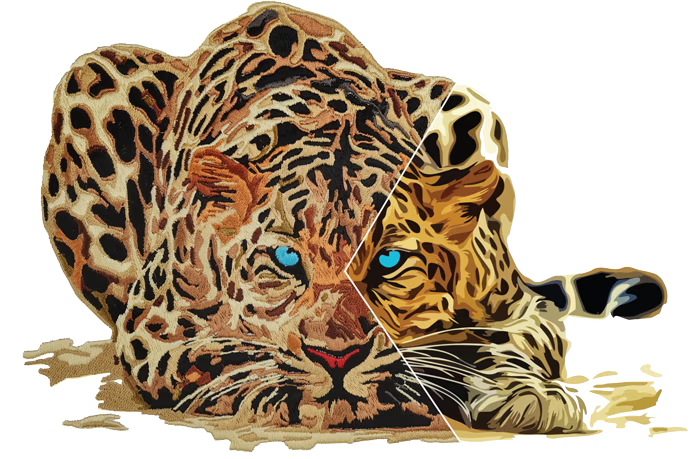
Keep your workflow uninterrupted! Export machine stitch files in the background while you continue digitizing. With the new Export Docker, you can easily track your export progress and history.
Explore Your Creative Potential
Save Time with Auto-Digitizing!
The enhanced feature replicates bitmap designs with automatic object sequencing and color reduction options. Auto-digitize entire designs or specific sections, which can be combined with traditional digitizing for greater efficiency.
Unlock a Productivity Boost
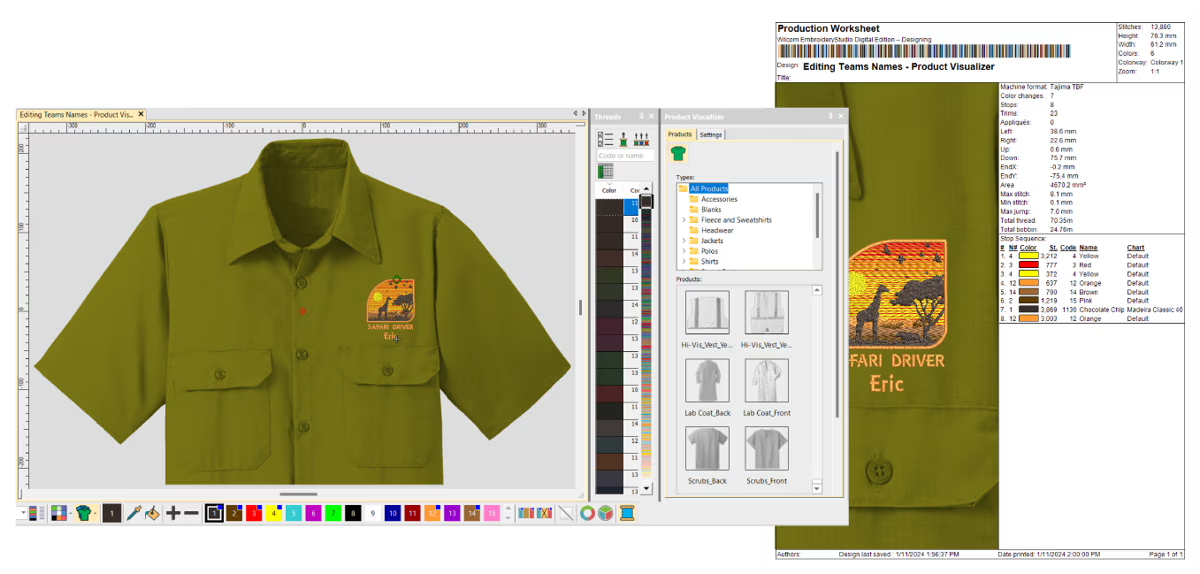
Reporting Capabilities
Built-in reporting provides flexible reporting options for both customers and teams, including Approval Forms, Production Worksheets, Summaries, and Color Films. Worksheets feature barcodes, and reports can be easily customized to include the exact details needed.
Master your production-based digitizing
Unlock a Productivity BoostEmbroideryStudio Designing at a Glance
Best Embroidery Software
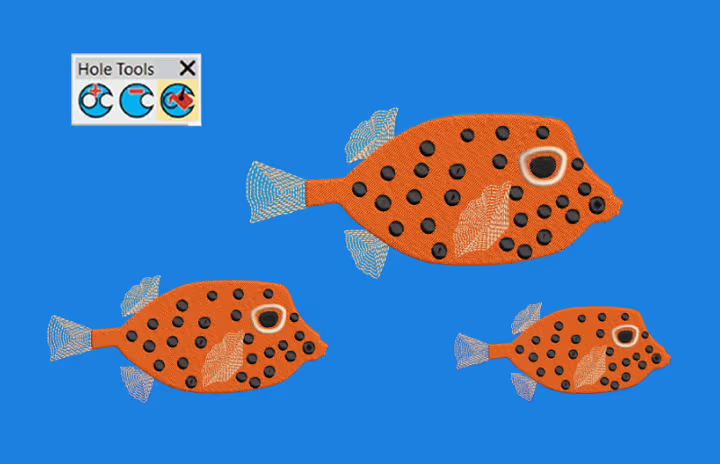
Single Click Functions
Instantly remove overlaps, fill holes, center all, and access many other time-saving tools with just one click!
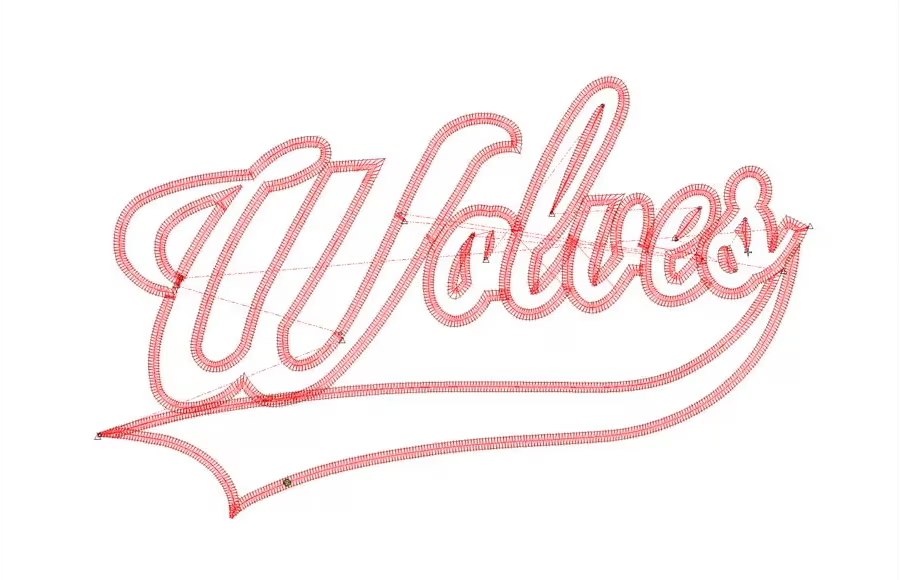
Reduce Costly Trims and Jumps
Branching will automatically sequence your selected objects and create travel runs for you to eliminate unnecessary and costly trims.
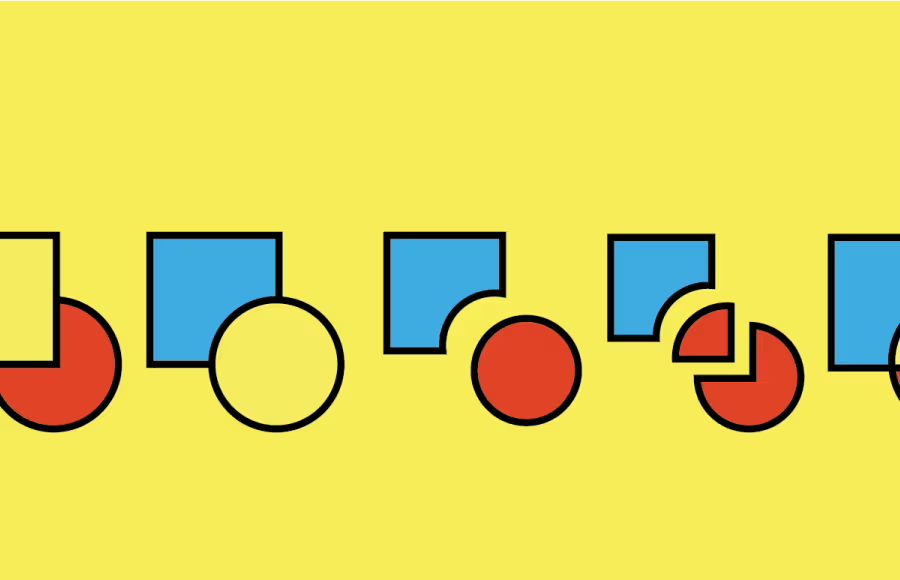
Powerful Transformation and Shaping Tools
With a single click, you can weld, flatten, and remove excessive overlaps in your embroidery using Shaping Tools.
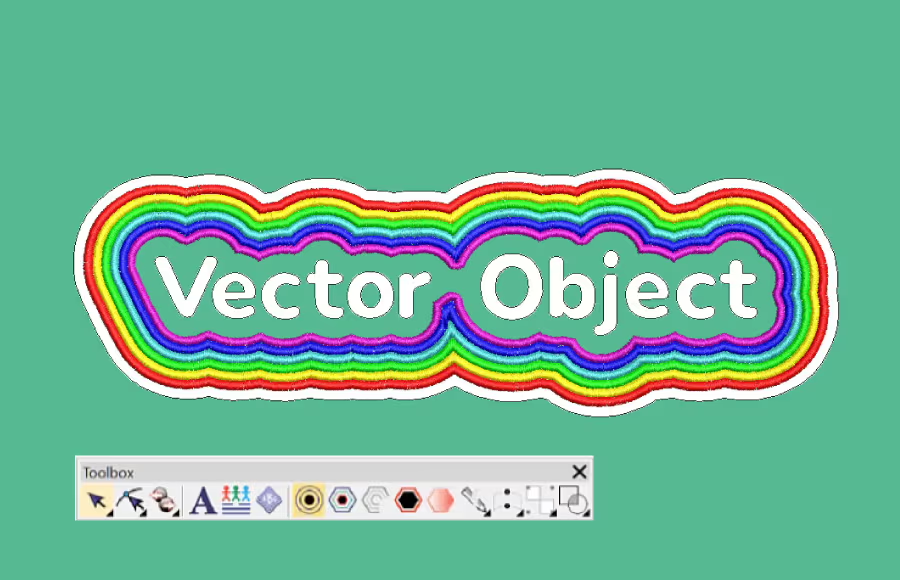
Outlines and Offsets
Easily create precise outlines and multiple offset borders with independent stitch types, sizes, and thread colors for any design.
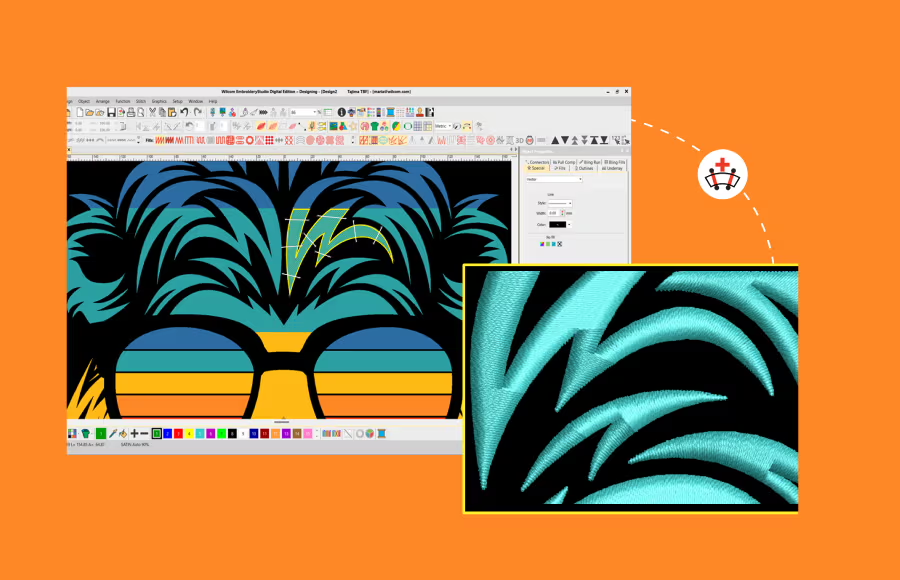
Stitch Angles
Easily edit and control stitch angles. Even draw stitch angles directly onto vector art for instant embroidery.
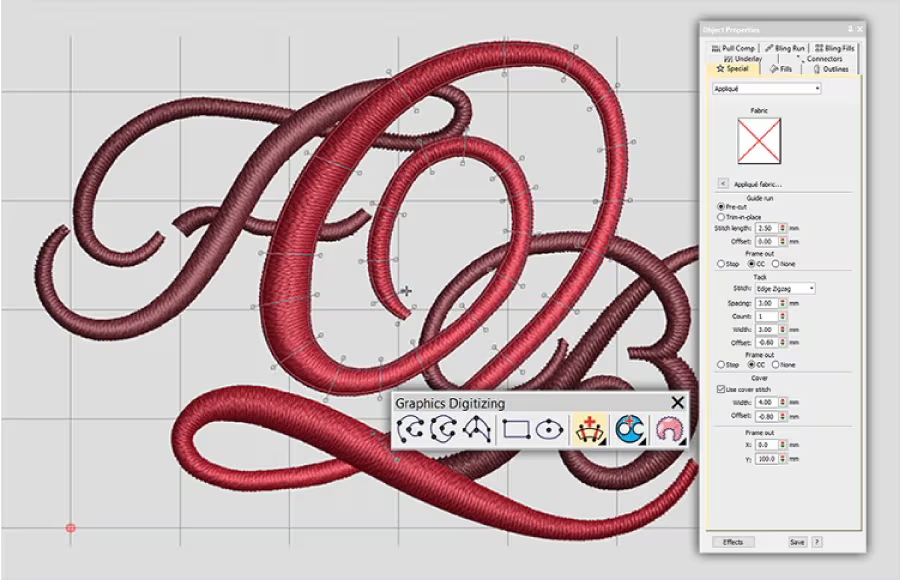
Full Control of Stitch Properties
Dock your tools anywhere for quick access to stitch angles, density, underlay, and pull compensation, ensuring optimal results.
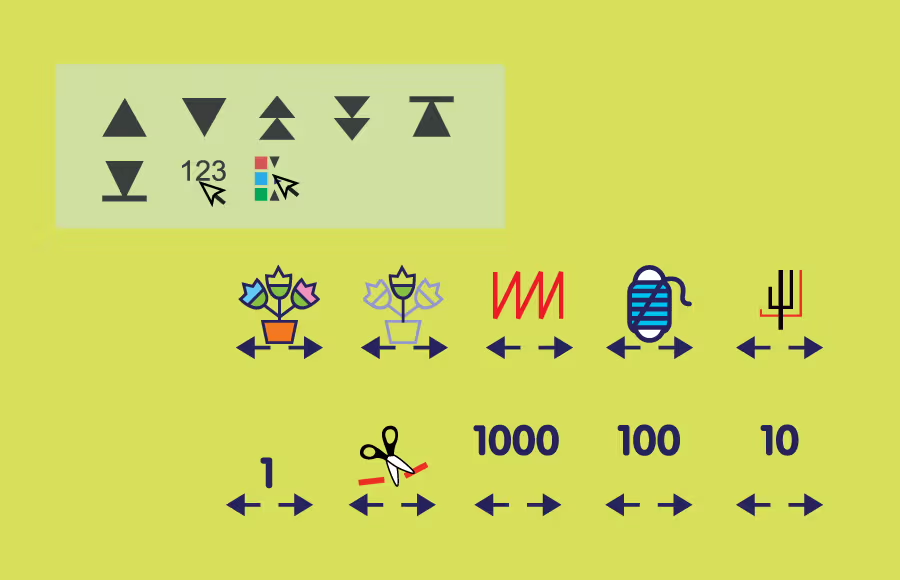
Travel Tools and Sequence Tools
Travel through your embroidery design by Object, Segment, Color, Function, Trim or Stitch-By-Stitch. Use the Sequence tool to quickly add, cut, copy, paste and branch objects in the color-object list.
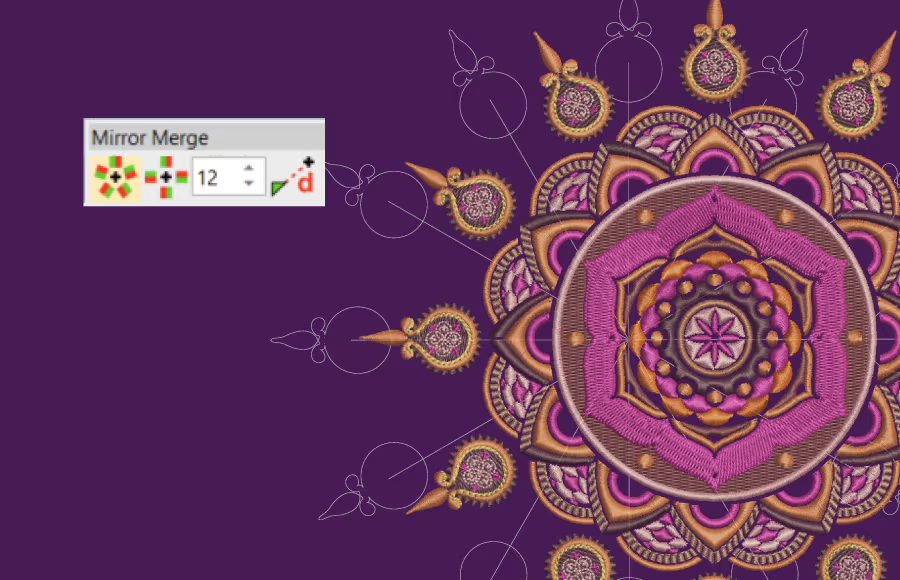
Mirror Merge
Quickly duplicate objects in circular patterns or rows—perfect for creating precise badges. Specify rows and columns for efficient color re-sequencing.
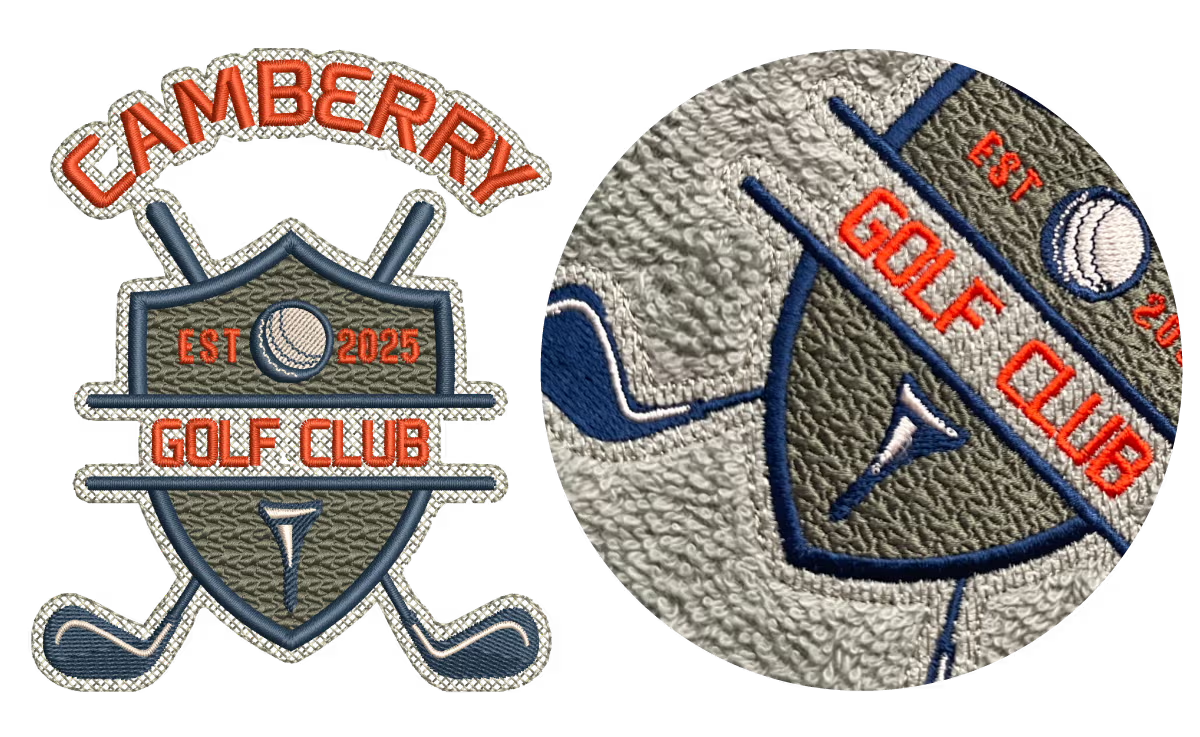
Create a Smooth Base for Perfect Embroidery
Laydown Stitch creates an open-stitch background to control fabric nap, making it ideal for high-nap fabrics like Terry toweling, knits, and microfiber fleece—no solvy needed. The flexible fill stitch can be applied to any embroidery object, opening up creative possibilities.