What’s new in EmbroideryStudio 2026

The ultimate embroidery & multi-decoration software for professional digitizers, embroidery shops, industry trainers, educators, and apparel decorators.

Comes with CorelDRAW® Graphics Suite 2025, seamlessly integrated for a smooth workflow.

EmbroideryStudio Editing 2026

Power of editing and lettering
Wilcom’s EmbroideryStudio Editing keeps your production running by ensuring you can instantly edit and improve your designs.
wilcom editing 2026-1


What’s new in EmbroideryStudio 2026

EmbroideryStudio 2026 introduces faster tools, richer color control, and smarter digitizing workflows.

Boost creativity and production speed with an industry-first Multi Blend Tool, Redwork Automation, Precision Grids, Advanced Snap-to-Objects Controls, Streamlined One-Click Design Exports, Continue Digitizing, and more.
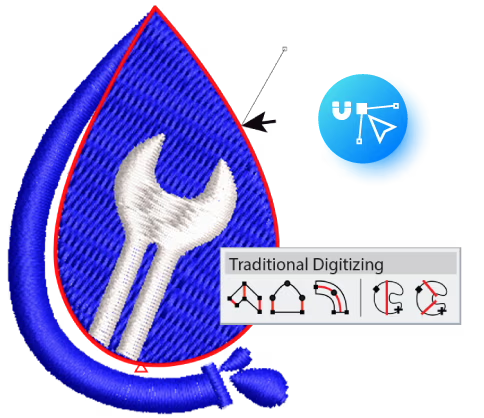
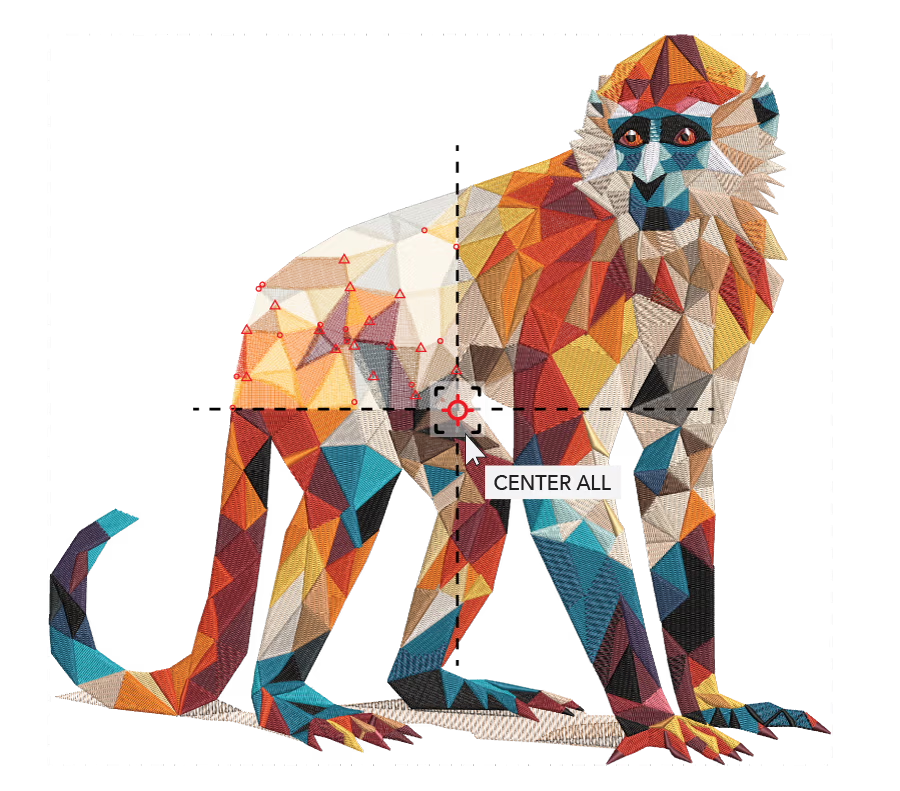
Snap to Object

Enhance precision with improved snapping controls. Input points automatically snap to edges, nodes, and objects for cleaner outlines and faster digitizing


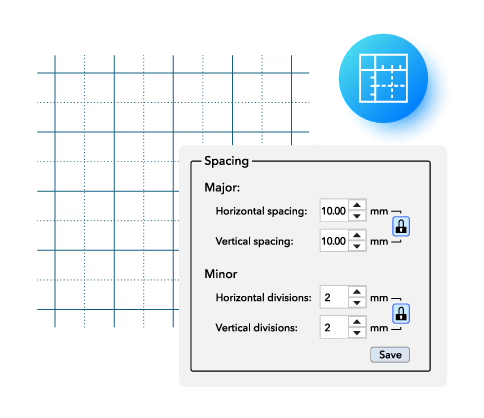
Major and Minor Grid

Create with greater accuracy using both major and minor grid divisions. The standard 10mm grid remains, while the new micro-grid lets you refine spacing, alignment and detail with precision.

Create with greater accuracy using both major and minor grid divisions. The standard 10mm grid remains, while the new micro-grid lets you refine spacing, alignment and detail with precision.


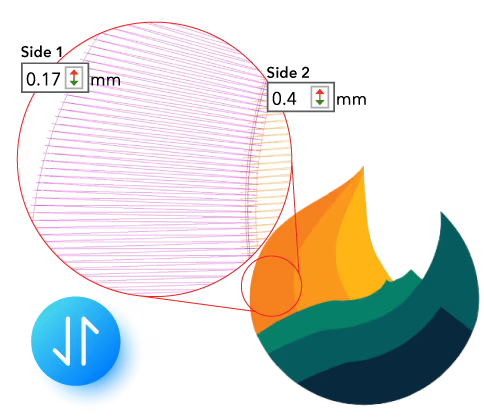
Separate Pull Compensation

 
Separate Pull Compensation

Control pull compensation independently on each side of an object, allowing for cleaner outlines, better edge definition, and more accurate results across different fabrics.

Unlock a Productivity BoostUnlock a Productivity Boost

Streamline Production ExportStreamline Production Export

Editing Made Easy with Smart Tools

Streamline Production Export

Save time by exporting designs and production worksheets in just one step. With customizable Export and Print Profiles, you can predefine file formats, worksheet options, and destination folders.

Once set up, EmbroideryStudio automatically handles everything in a single action, eliminating repetitive tasks and speeding up job preparation.

Editing Made Easy with Smart Tools

Product Visualizer & Production Worksheets

Preview logo placement and change garment colors for accurate final results. Print all the design details on a production-friendly worksheet, such as size, colors, and sequence.

Error-Free Personalization with Team Names

Teamwear and uniforms are made easy with personalized name and logo combinations. Simply import your name list and EmbroideryStudio will automatically generate a unique design for each name and logo combination. No manual typing, no costly mistakes.

namedropwilcom

Maximize Production Efficiency

Export for Any Machine

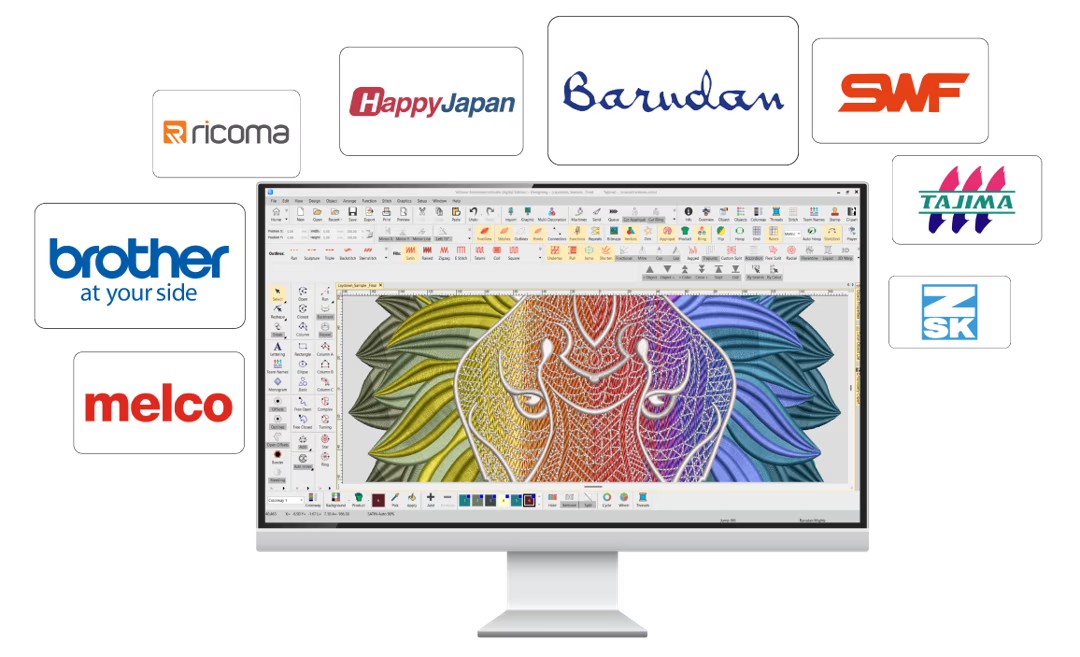
Export your embroidery files to over 60 stitch file formats, ensuring compatibility with your machine. Supported formats include Wilcom *.EMB, Tajima *.DST, Barudan *.DSB, SWF *.EBD, and many more.

With the new Export Docker, you can easily track your export progress and history, keeping your workflow smooth and efficient.

Export for Any Machine Export your embroidery files to over 60 stitch file formats, ensuring compatibility with your machine. Supported formats include Wilcom *.EMB, Tajima *.DST, Barudan *.DSB, SWF *.EBD, and many more. With the new Export Docker, you can easily track your export progress and history, keeping your workflow smooth and efficient.

Efficient Editing and One-Click Functions

Enhanced onscreen machine functions are designed for easy editing, combined with one-click features to boost efficiency and speed.

Efficient Editing and One-Click Functions Enhanced onscreen machine functions are designed for easy editing, combined with one-click features to boost efficiency and speed.

Easily Manage Objects and Colors

Use the Color Object list to visualize your design by objects and colors. Quickly add, cut, copy, paste, or delete elements with simple drag-and-drop actions.

Efficient Editing and One-Click Functions Enhanced onscreen machine functions are designed for easy editing, combined with one-click features to boost efficiency and speed.

Reshape any embroidery design

Open and reshape any embroidery designs in EmbroideryStudio Editing, including stitch files created in other embroidery software.

Adjust nodes and stitch angles to get the embroidery results you want.

Let’s Connect

E: info@wilcom.ae